
FIELDNOTE 04 · GET COMFORTABLE
Choose the right
target. Keep moving.
Practical settings for awkward interactions, controller prompts, running and visual effects — plus the Demo fixes worth checking.
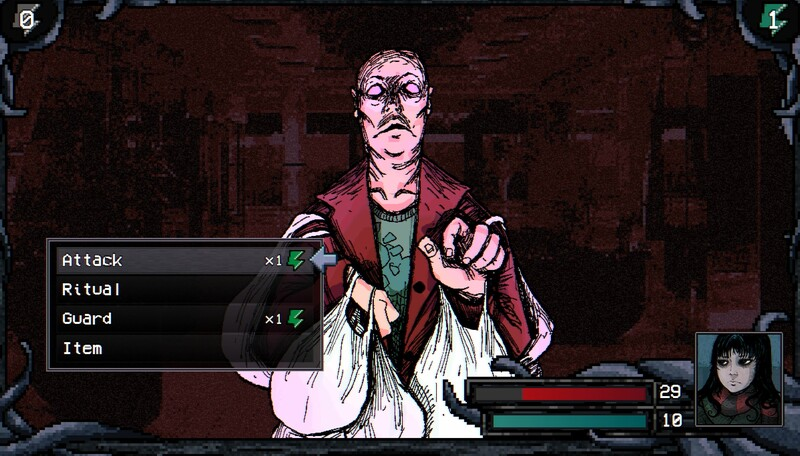
Documented Demo settings. These instructions follow the official v0.11.17 announcement of 1 September and the Demo Changelog of 8 September. We have not independently reproduced the fixes or tested the release build.
START WITH THE SYMPTOM
Wrong object selected? Stand beside it, face it, then press toward it to nudge the target. Wrong button symbols? Change Controller Type. Too much holding or animation? Try toggle running in Sprint Mode and Fast in Die Roll Speed.
When the highlight picks the wrong thing
The September Demo update changed gamepad targeting to select nearby interactable objects. If that selection is not the object you want, use the directional override described in the patch notes:
- Move beside the object. The documented nudge applies when you are next to the target.
- Face the object. Press a direction toward the object you are already facing.
- Check the tile highlight, then interact. The direction input nudges the selected target onto that object.
If you prefer a simpler selection rule, turn off smart gamepad targeting in the settings. The notes describe this as targeting where you are looking. Tile highlights can also be adjusted for visibility, color, style and opacity; keeping a visible highlight makes it easier to check your selection before acting.
This helps select an available interaction. It does not unlock a door, satisfy a quest requirement or make a different object count as a mystery. For the easily missed tree specifically, use the Demo tree approach and direction diagram.
Settings that solve everyday friction
Button icons do not match your controller
Open the control configuration and look for Controller Type. Choose the button notation you want the interface to show. This changes the displayed symbols; it is not evidence that every controller model is supported. Use the bindings shown in your own configuration rather than assuming a fixed keyboard key or gamepad button.
You would rather toggle running
Look for Sprint Mode, the new name for Autorun in v0.11.17. Choose between holding Sprint to run and pressing it to toggle running on or off.
The dice animation takes too long
Set Die Roll Speed to Fast to speed up the roll effect. The documented change concerns the animation, not your odds or the reward you receive.
Effects make the scene busy or the game stutters
In the Graphics options, try disabling Ambient VFX, Weather VFX, Footprint VFX or Fog VFX. The developer suggests these switches may help lower-spec devices. Change one option at a time and compare the result on your setup; this guide has no measured frame-rate improvement to promise.
You cannot find Optimize
The update replaced Optimize with Loadouts in the equipment menu. Use named loadouts to keep equipment arrangements you want to return to. Their availability does not establish a best build for a particular enemy.
Check the patch before chasing a workaround
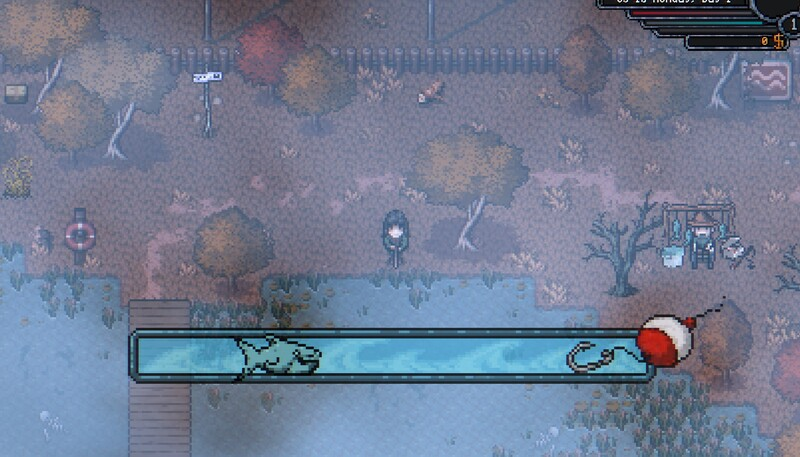
The official 8 September Demo Changelog reports fixes for two problems that can look like a missed interaction or an unhelpful bait choice:
- Sprite-based mouse interaction: the notes report that it was not working properly and was fixed. If clicks still fail, record the object, location and input method when reporting it in the Steam discussions.
- Fish associated with specific bait: the notes report a correction to the rate applied to bait-exclusive fish, mentioning Leeches. Compare your installed Demo with this update before relying on older reports of ineffective bait.
Neither note supplies a guaranteed catch rate or proves that every interaction problem is resolved. The September 8 announcement does not state a build number. It records the developer's fixes; it is not our reproduction of them.
What is confirmed for Steam Deck?
The official 28 August 2026 announcement states that Welcome to Elderfield is Steam Deck Verified. That is an official announcement we checked, not a device test performed for this guide.
Controller notation, targeting and VFX options above give you specific settings to inspect. We do not have tested Deck presets, frame-rate results or a universal crash fix to recommend.
Official notes behind this guide
- Demo Updated! v0.11.171 September 2026 · Control configuration, directional targeting, Graphics options, Sprint Mode, Die Roll Speed, Loadouts and Social.
- Demo Changelog8 September 2026 · Bait-rate and sprite-based mouse-interaction fixes. No build number supplied in the announcement.
- Steam Deck Verified & BIG Fall Showcase28 August 2026 · Official Verified announcement. All three entries were reviewed from the official Steam announcement feed on 10 September.
Links open the official Steam news feed; use the announcement titles and dates above to find the relevant entry. Read our source and version policy.
Why your old gifts are missing from Social
The Social menu added in v0.11.17 tracks friendship and NPC gift preferences. The announcement explicitly says gifts given before that update will not fill the new history retroactively.
If an older gift is absent, that alone does not mean the menu has failed. Use the current Social menu for your ongoing record, and read the September update summary before applying an older gift guide.